Why Miami Solar Leads Are Vanishing: A Webflow Conversion Audit
Are your Miami solar leads dropping off? Our Webflow conversion audit uncovers the technical and UX friction points killing your ROI. Start converting today.
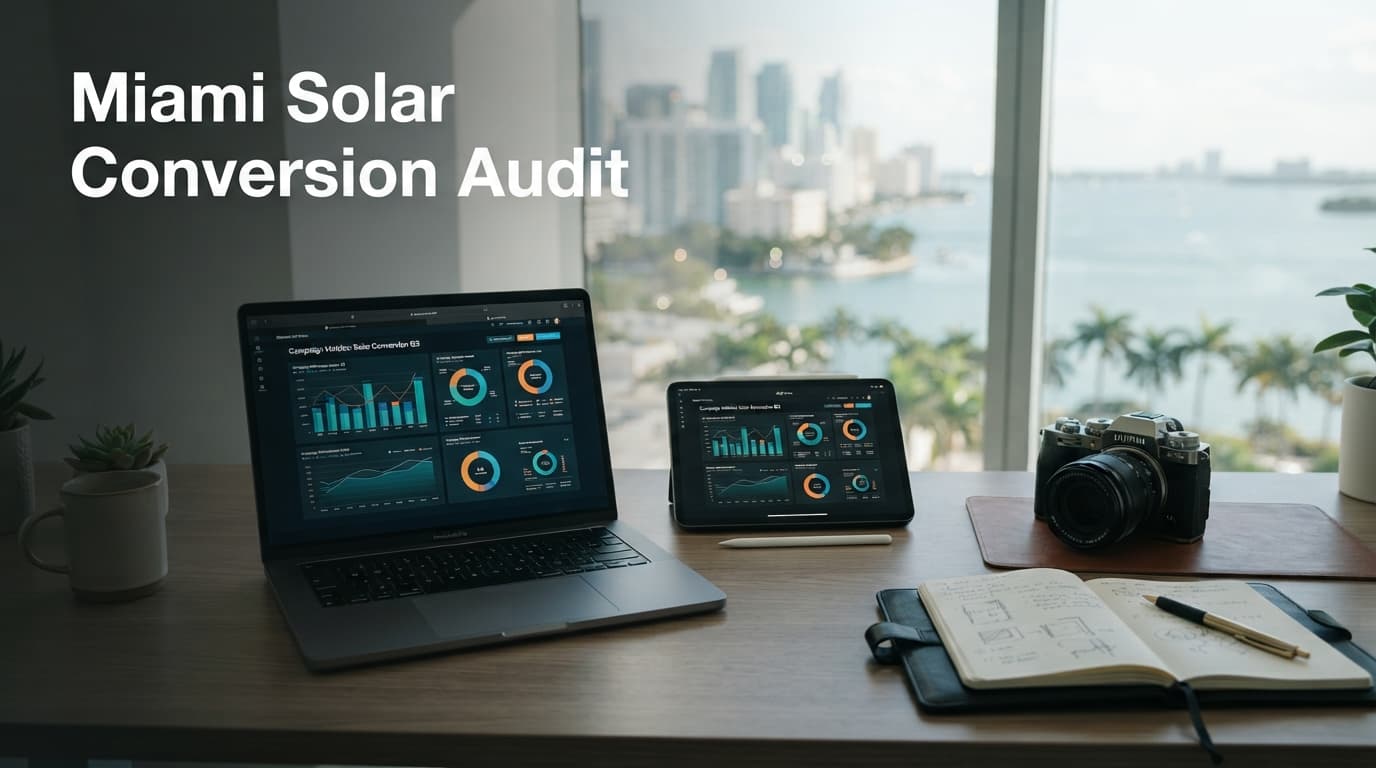
Solar energy companies in Miami are currently battling a paradox: record-high demand for residential solar but plummeting digital lead quality. While many firms invest heavily in traffic, their Webflow sites often act as a leaky bucket, failing to convert interest into actionable consultations. When users land on your site, they are often comparing you against a dozen local competitors; if your site doesn't load instantly or feels disjointed, they are gone in three seconds.
In the South Florida market, where the average cost of electricity continues to climb and the threat of hurricane-related power outages is a constant concern, homeowners are motivated to switch to solar. However, they are also overwhelmed by aggressive telemarketing and predatory lead-generation tactics. Your website is the only place where you can establish legitimate authority. If your Webflow site fails to communicate trust, you aren't just losing a visitor; you are losing a high-value, long-term contract.
The Anatomy of a High-Converting Solar Site
Most Webflow sites in the energy sector suffer from "analysis paralysis" design. They overload the user with technical jargon about kilowatt-hours, inverter efficiency, and complex net-metering policies before establishing basic trust. According to HubSpot, the most successful landing pages prioritize a singular, clear value proposition above the fold.
For a Miami-based solar provider, "above the fold" must address the Miami-specific friction points.
Step-by-Step Optimization for the "Above the Fold" Section:
- The Hero Headline: Move away from "We Provide Solar Solutions." Instead, use "Lower Your Miami FPL Bill by 40% with Hurricane-Resilient Solar."
- The Visual Hook: Replace generic stock photography of solar panels on a generic roof with a high-resolution photo of a completed installation in Coral Gables or Coconut Grove. Use Webflow’s native image optimization to ensure this hero image loads under 200ms.
- The Micro-Conversion: Don't ask for a "Free Consultation" immediately. Instead, offer a "Free Solar Savings Estimate" button that opens a simple, two-field form.
- Local Social Proof: Add a small line of text: "Trusted by 500+ Miami-Dade homeowners." This immediately signals that you are a local entity, not a national lead aggregator.
By stripping away the "corporate" feel and replacing it with specific, localized value, you reduce the cognitive load on the user. When a homeowner lands on your site, they should know exactly what you do, where you do it, and why they should trust you within five seconds.
Why Webflow Matters for Solar
Webflow is a powerful tool, but its flexibility is also its greatest weakness. If your site structure isn't optimized for speed and semantic clarity, you are invisible to both users and AI search engines. Many solar companies fall into the trap of over-animating their Webflow sites with heavy Lottie files or complex entrance effects. While these look impressive on a high-end desktop, they often break or lag on the aging mobile devices frequently used by budget-conscious homeowners.
If you aren't sure how your site ranks, use our /tools/agent-auditor to identify technical bottlenecks. A common Webflow failure is the improper use of H-tags. Your H1 should be your primary value proposition, not your company name. If your H1 is "Welcome to [Company Name]," you are wasting the most valuable SEO real estate on your page.
Comparing Lead-Gen Friction
| Feature | Low-Converting Site | High-Converting Site |
|---|---|---|
| Load Time | > 3 seconds | < 1.5 seconds |
| CTA Placement | Footer only | Sticky header & section breaks |
| Trust Signals | Generic stock photos | Real Miami installation photos |
| Mobile UX | Cluttered/Hard to tap | Thumb-friendly buttons |
| Form Fields | 7+ (Address, Roof type, etc.) | 2-3 (Name, Phone, Zip) |
The Impact of Poor Mobile Experience
Google reports that over 50% of web traffic originates from mobile devices. In the solar industry, this figure is often higher, as many homeowners conduct initial research while on their lunch breaks or during commute times.
If your Webflow site isn't fully responsive, you are losing more than half your potential Miami leads before they even see your pricing. Mobile users in the solar market want one thing: a simple quote request form that doesn't require a resume to fill out.
The "Thumb-Zone" Design Strategy:
- Sticky CTA: In Webflow, pin your "Get a Quote" button to the bottom of the mobile screen. This ensures the action is always within the user's thumb reach.
- Input Masking: When a user clicks your phone number field, ensure the mobile OS automatically triggers the numeric keypad. If the user has to manually switch from the alpha keyboard to the numeric pad, you’ve added friction that causes drop-offs.
- Simplified Navigation: Hide your complex sub-menus on mobile. Use a clean, single-column layout that leads the user vertically toward the primary CTA.
"A website that doesn't convert is just a digital brochure; it’s an expensive expense, not a business asset."
AI Visibility and the GEO Factor
It isn't just about human users anymore. AI search engines—such as Perplexity, ChatGPT’s Search, and Google’s AI Overviews—are now the primary discovery layer for local services. If your site doesn't have a clear structure, AI won't cite you in its responses.
To win in the modern search landscape, you must move beyond traditional keyword stuffing and embrace "Entity-Based SEO." This means using Webflow’s "CMS Collections" to build out dedicated pages for every neighborhood you serve. Create a page for "Solar Installation in Brickell," "Solar Installation in Homestead," and so on.
Within these pages, use Schema Markup (which can be injected into Webflow’s head code) to explicitly define your business as a LocalBusiness, including your physical Miami address, service radius, and customer review aggregate. We recommend using our /tools/citation-gap to see if your local brand authority is being ignored by AI models. You can also learn more about this shift in our guide on how to optimize for AI search.
Common Conversion Killers in Webflow
- Too many form fields: The "Solar Lead Form" is the most common point of failure. Solar companies often feel they need to know the customer's roof angle, age of their home, and current utility provider before they provide a quote. This is a mistake. Ask for the name, phone number, and zip code only. Everything else can be gathered during the initial 5-minute discovery call. Every additional field you add is a barrier that lowers your conversion rate by 5–10%.
- Lack of social proof: If you don't show real Miami-Dade or Broward County project photos, you look like a lead aggregator, not a local installer. Use Webflow’s CMS to create a "Recent Projects" gallery. Include the neighborhood, the size of the system, and a brief quote from the homeowner. This builds the "neighborly" trust that is essential in the Florida market.
- Slow page speed: Webflow can be bloated with heavy animations. Strip the site down to its core essentials for maximum performance. Use WebP image formats exclusively and lazy-load all images below the fold. For a deeper dive into technical performance, consider the Google Web Vitals documentation as your benchmark.
- Weak Trust Signals: If you are a Tesla-certified installer or a member of the Florida Solar Energy Industries Association (FlaSEIA), put those logos in a high-visibility strip immediately below your hero section. These badges carry significant weight with homeowners who are worried about "fly-by-night" contractors.
Key Takeaways
- Prioritize Speed: Use Webflow’s native optimization settings to ensure your site loads under 2 seconds.
- Simplify Forms: Remove non-essential fields to increase your submission rate.
- Localize Content: Explicitly mention the specific Miami neighborhoods you serve to trigger local search signals.
- AI Alignment: Ensure your site is readable by AI agents by utilizing proper semantic HTML.
FAQ
Why is my Webflow site loading slowly?
Usually, it's due to uncompressed images, heavy third-party scripts, or complex interactions that trigger on mobile. Audit your site performance via Google's PageSpeed Insights to pinpoint the specific assets dragging your site down. Often, removing unused CSS or optimizing Lottie animations will result in an immediate 1-second gain.
How many form fields should a solar lead form have?
Keep it to three: Name, Phone, and Zip Code. Every additional field you add decreases conversion rates by 5–10% on average. Use a "progressive profiling" approach where you ask for more details only after the initial lead is captured.
Does my Webflow site need to be optimized for AI search?
Yes. As AI search (GEO) becomes the default for local discovery, your site must provide clear, machine-readable facts about your services and service areas to remain relevant. Without structured data, AI models will skip over your site in favor of competitors who provide explicit, schema-backed information.
What is the most effective way to display social proof in Webflow?
Use a CMS collection to manage testimonials. Link these testimonials to specific project pages. When a user reads a review about a solar install in Pinecrest, they should be able to click directly to a photo gallery of that specific project. This creates a loop of trust that static testimonials cannot match.
Stop Leaking Leads Today
If your current site isn't generating the volume of high-intent leads you expect, it’s time to move beyond guesswork. Whether you need a full custom web design overhaul or a targeted SEO strategy to capture local intent, the EchoRank team is ready to help.
The Miami solar market is competitive, but it is also fragmented. The companies that win are those that provide the most seamless, trustworthy digital experience. Don't let your competition capture your market share because of a slow or confusing website. Contact us today for a comprehensive site audit and let’s turn your traffic into revenue. By aligning your Webflow architecture with modern conversion psychology and AI discovery standards, you can transform your digital presence from a cost center into your most consistent lead-generation engine.

Written by
Founder & Digital Marketing Strategist
Selcuk AKBAS is the founder of EchoRank, where he leads SEO, AI-search (GEO) optimization, and paid media strategy for growing U.S. businesses. Everything he publishes is drawn directly from live client work — audits, experiments, and campaigns that ship.
- Google Ads Search Certification
- Google Analytics Certification